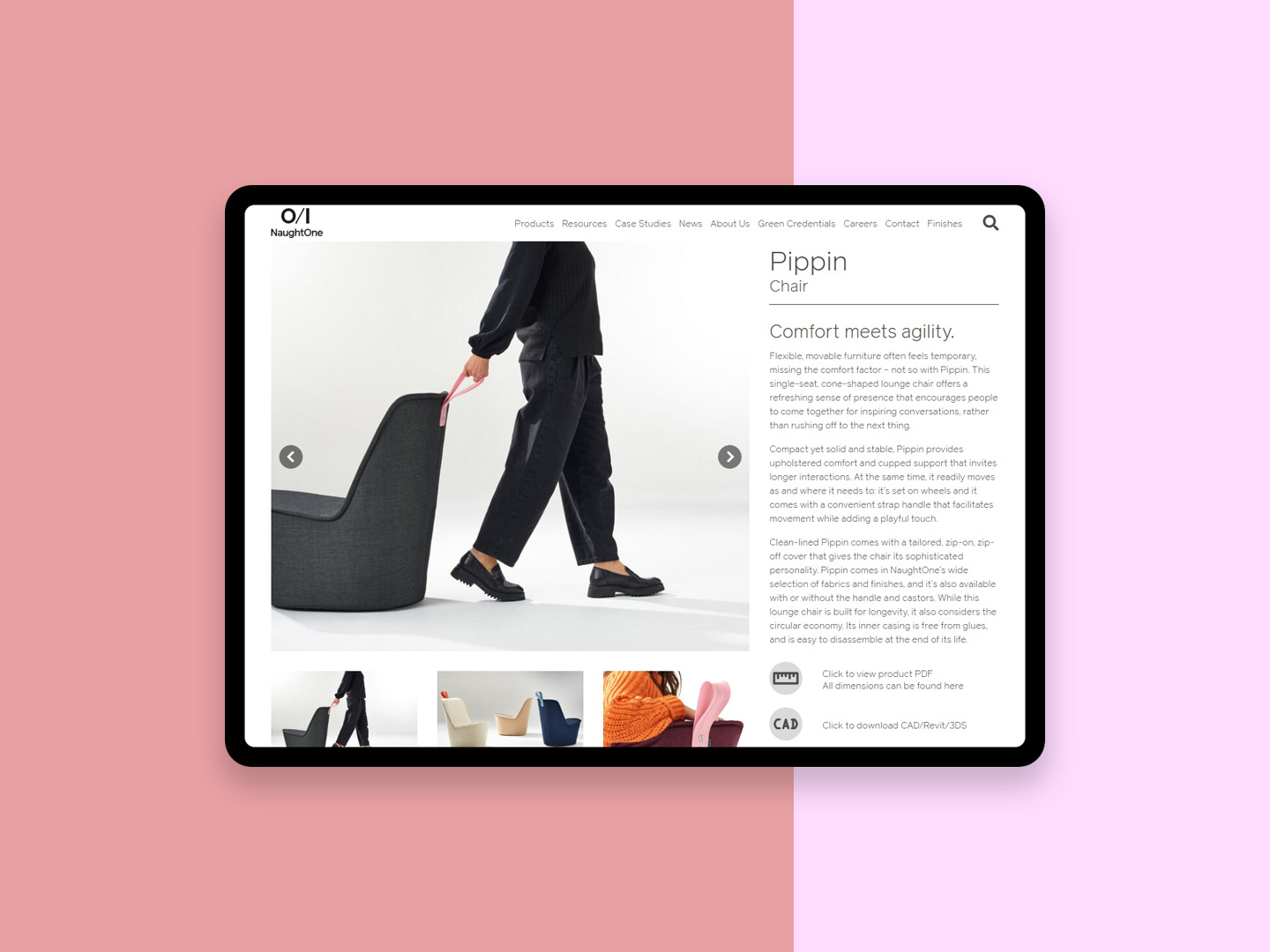
When you’re a design-led manufacturer like NaughtOne, your resource library isn’t a nice-to-have. It’s where architects, designers, dealers, and specifiers go to get work done: CAD blocks, Revit files, product sheets, assembly instructions, certifications, images, and all the other stuff that makes a project move.
The problem: their old resource section had aged out and leaned heavily on Dropbox. It technically functioned, in the same way a kitchen drawer full of tangled cables “functions.” So we partnered with the NaughtOne team to design and build a custom resource area that’s faster, clearer, and built around real user needs, not file-storage leftovers.
The result is NaughtOne Resources: a focused, filterable library designed for finding and downloading the right assets quickly.
The brief (and the reality)
The ask sounded simple on paper:
- Replace an outdated resources section
- Improve UX and UI
- Support both customer needs (fast, accurate downloads) and business needs (structured, maintainable, scalable content)
In reality, resource libraries fail for predictable reasons:
- Content grows faster than the navigation
- People don’t know what file format they need until they’re under deadline pressure
- Search becomes the only coping mechanism, and it’s rarely good enough
- Bulk downloading is painful, so users either hoard old files or request them via email
We decided early: this needed to behave like a tool, not a folder.
Discovery: designing for how customers actually work
We worked closely with the NaughtOne team to map out the primary audiences and their jobs-to-be-done. A specifier hunting a DWG is not in the same headspace as a dealer pulling product sheets, and neither of them wants to click through a maze.
That discovery work pushed three core principles:
- Get users to the right category fast (CAD vs documents vs images vs certifications)
- Let them narrow quickly (by file type, product, and other meaningful filters)
- Make downloading frictionless (single files, selected sets, or everything in a collection)
Information architecture: clear paths, not clever ones
Instead of burying everything inside product pages, the resource area supports multiple entry points, depending on how someone thinks:
Browse by product
Users can jump straight into a product and then choose what they need (CAD, documents, images, certifications, or view all).
Browse by resource type
If someone knows they need CAD but not which product yet, they can go there first and filter down. CAD is explicitly broken into 2D and 3D, because nobody wants to download the wrong thing and find out 10 minutes later.
Search-first
Search is prominent, but it’s paired with strong filtering so users don’t end up in a swamp of vaguely similar filenames.
UX that respects your time: filters that actually matter
The filtering system is where these portals usually win or lose.
The library supports filtering by:
- Category (CAD, Documents, Images, Certifications, Videos)
- Sub-category (e.g., Documents → Product sheets, Assembly instructions, Technical specifications)
- File type (e.g., DWG, 3DS, RFA, SKP, PDF, ZIP)
- Product (across the full range)
- Language (where relevant)
- View modes (grid or list)
That mix is deliberate: it matches how specifiers and designers think (format + product + document type), and it gives the business a consistent way to structure and maintain content. We know it’s a tool but a lot of work went into making it look “beautiful & simple” aligned with their ethos and brand. We also think it’s really good to look at!
Download flows: single files, selected sets, or bulk
A huge pain point with Dropbox-style setups is downloading at scale. People either download one file at a time and lose patience, or zip entire folders and hope they got the right one.
The new resource area supports:
- Download selected
- Bulk select
- Download all (with a clear confirmation step so users don’t accidentally pull thousands of files)
This matters because the resource library contains serious volume, especially in CAD.
UI: calm, consistent, and built for scanning
Resource libraries are not the place to show off with fancy interactions. The UI needs to be predictable, scannable, and confident.
The portal includes practical touches like pinned items and recently downloaded resources, which make repeat workflows quicker and reduce “where was that file again?” moments.
The build: custom, scalable, and easy to maintain
This is a purpose-built resource platform, not a thin skin over a file-sharing tool. It’s designed to scale as the library grows, and to stay manageable as formats, products, and content volumes evolve.
That’s especially important for CAD and BIM-heavy manufacturers, where file standards and expectations change over time. A modern resource platform makes that kind of content easier to organise and distribute cleanly.
Collaboration with NaughtOne: designed with the business, not around it
This wasn’t a “disappear for weeks and return with a shiny thing” project. We worked closely with the NaughtOne team throughout, aligning what customers need most often with how the business wants content grouped, maintained, and presented.
That collaboration shaped the structure, the terminology, and the prioritisation. The end product is a resource area that serves customers while staying maintainable for the team behind it.
A resource portal that acts like a tool
The biggest shift here is philosophical:
Old approach: here’s where the files live.
New approach: here’s how you get what you need, quickly, every time.
If you’re building a resource section for a product brand, the bar is higher than it used to be. People expect the experience to be as thoughtfully designed as the products themselves. NaughtOne now has a resource area that meets that expectation, and a platform that can grow with their catalogue.