















An architect has chosen your chair. Before it goes in the drawings, they need the Revit file, a product sheet and a photo for the client. If that means emailing your team and waiting, your chair might not make it in.
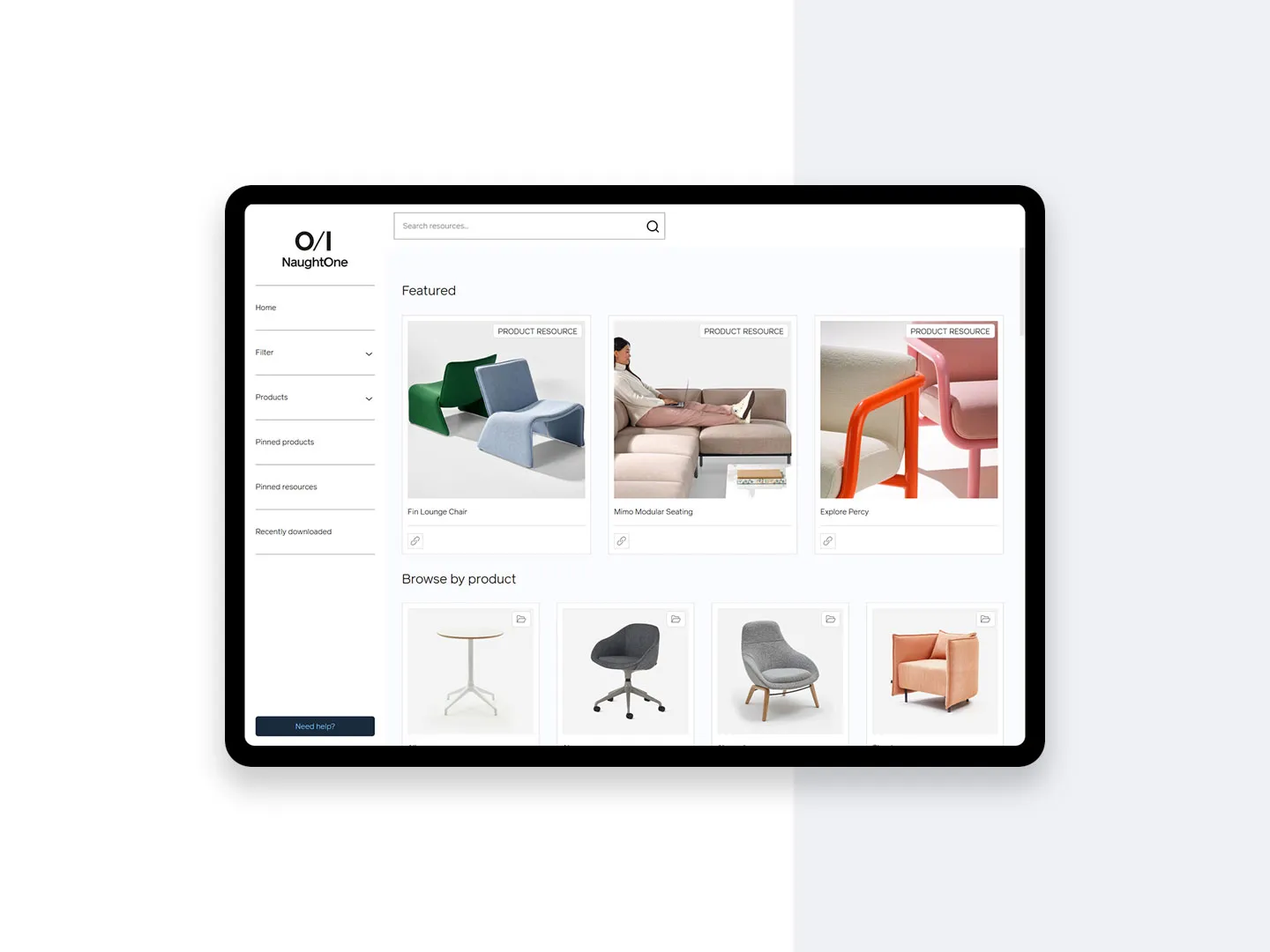
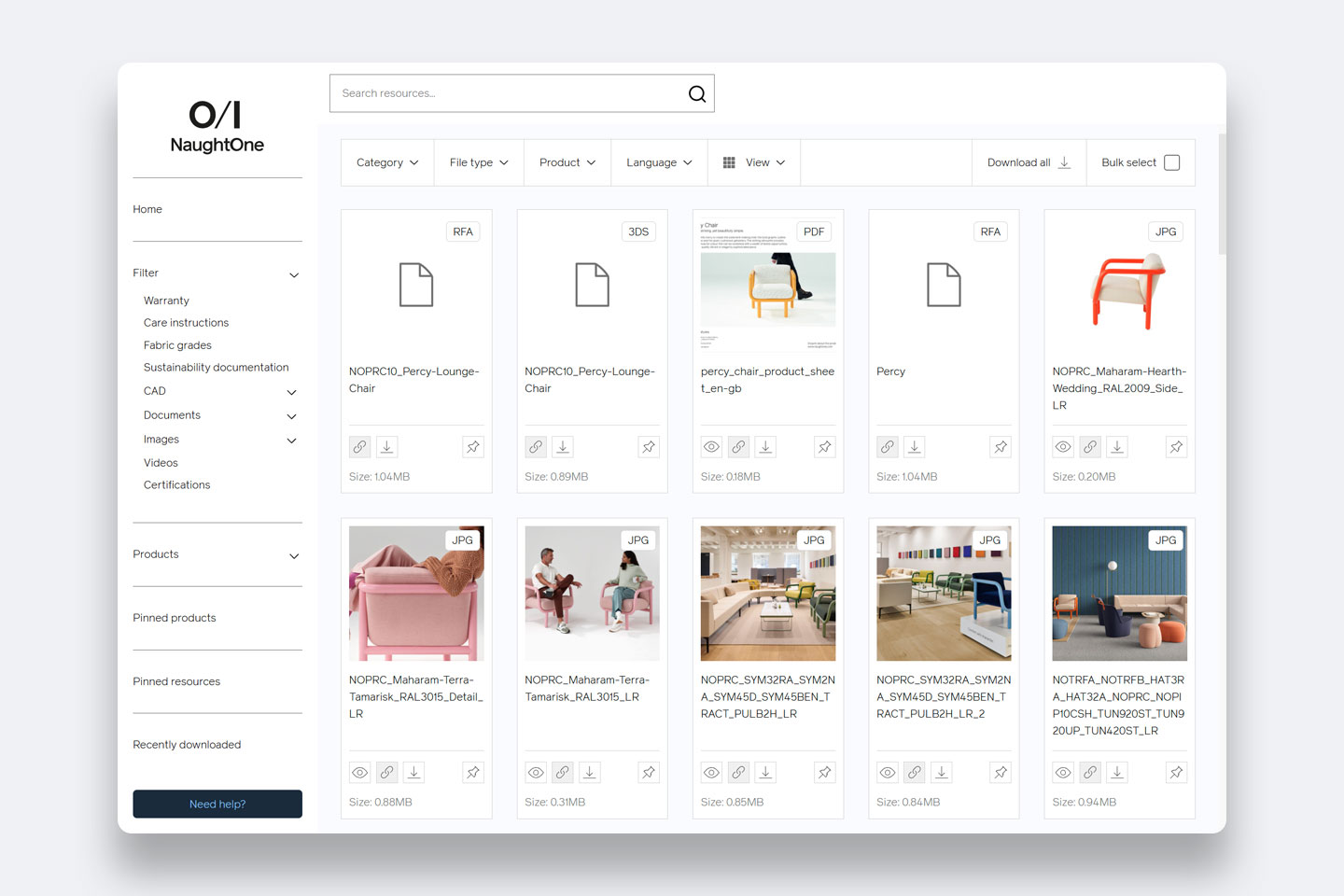
That’s the moment we designed NaughtOne Resources for. NaughtOne’s team had been sharing files through Dropbox and liked how it worked, so we kept what felt familiar: a folder for every product, with everything a specifier needs inside.
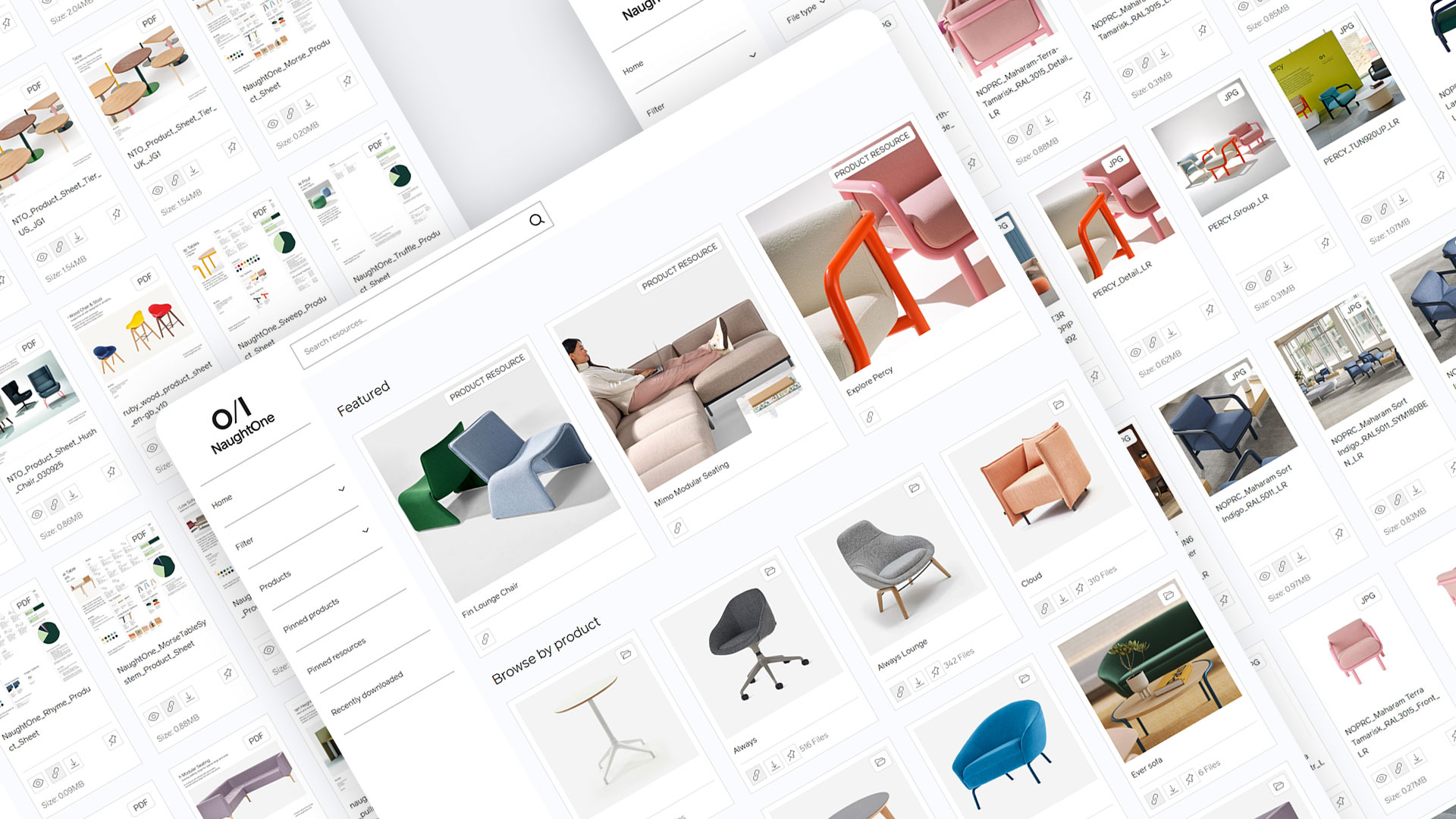
One shelf for every product
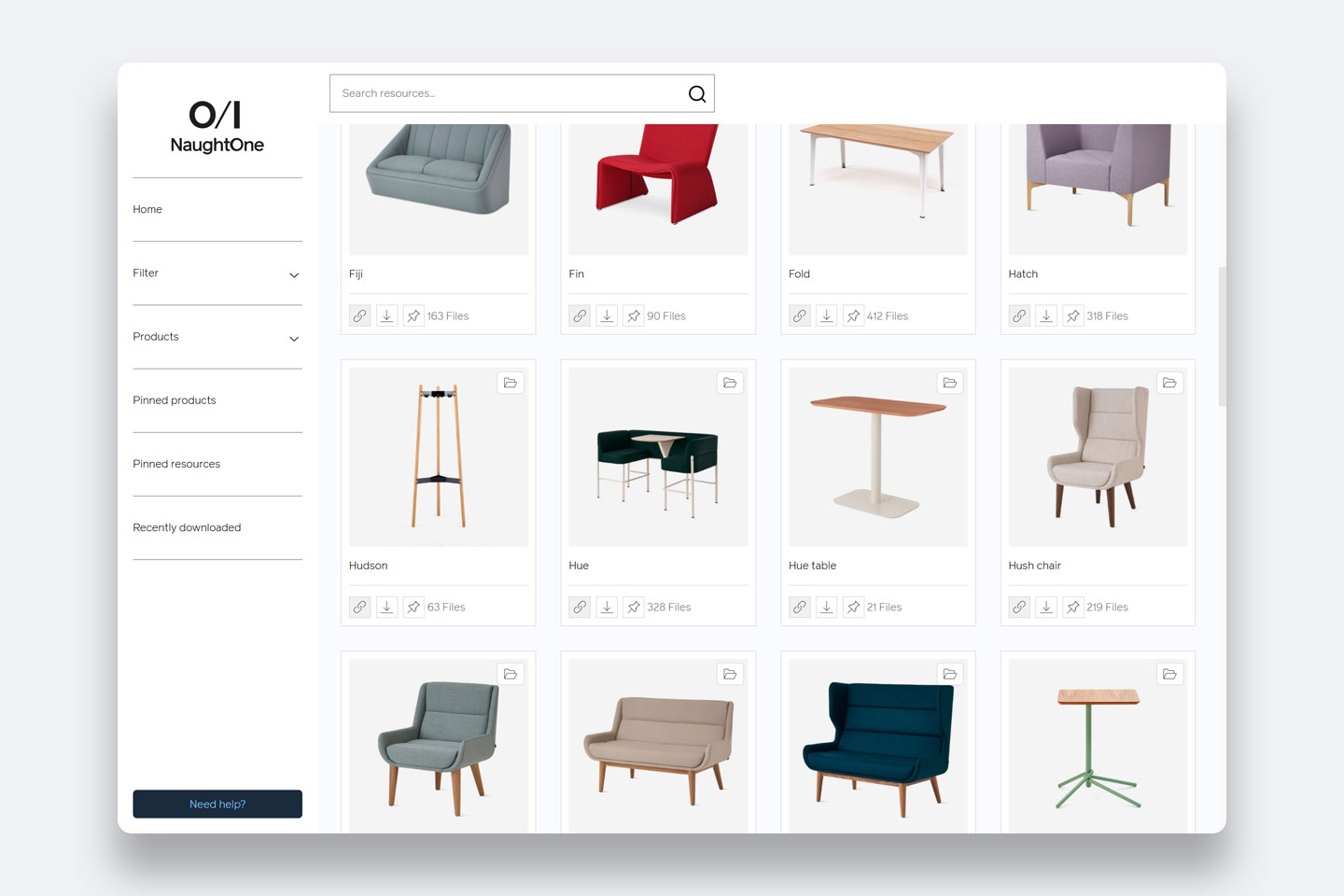
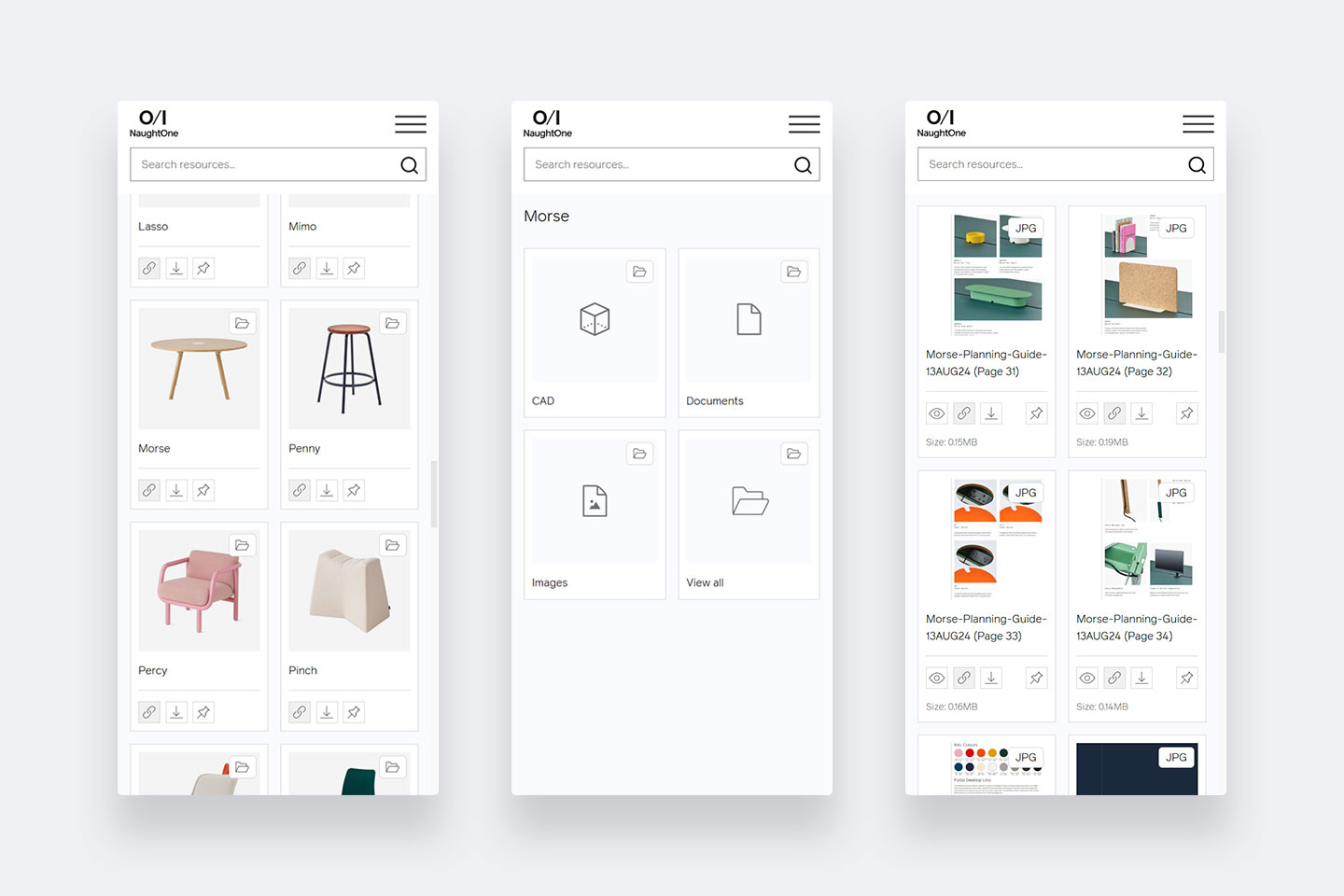
Open Always and you’ll find its CAD in 2D and 3D, for AutoCAD, Revit, SketchUp and 3ds Max. Beside it sit product sheets, specifications and measuring guides, then the photography: the furniture in real offices and colleges, cut-outs on white and close-up details.
Built around how specifiers work
- A file-type filter on every shelf, so a Revit user sees Revit files
- Download one file, a few, or a whole folder
- Pin the products and files you’re using
- A link for every file, to send to a colleague
- naughtone.com product pages link straight to the right shelf
What they said
Dan Jeffrey, Marketing & Communications Director at NaughtOne, said: “It’s always felt very personal. Adigi are an extension of the NaughtOne organisation, which is the kind of partner we want.”
Part of the website, not apart from it
NaughtOne Resources sits alongside naughtone.com, which we design, build and look after. Visitors to naughtone.com from the US rose by 49% year on year, from Germany by 54% and from France by 42% (April to September 2026, against the same months of 2025). That’s the whole website, not the library alone, but the more specifiers find the range, the more of them need the files.
Could it work for your range?
If your products end up in someone else’s drawings, it’s worth a conversation when two or three of these sound familiar:
- Your team emails CAD files, spec sheets or photos to specifiers every week
- Each product comes in bases, sizes or finishes that need their own files
- Your files sit in a shared drive that only makes sense to your team
- Dealers keep asking for the latest version
- You’d like to see which products specifiers are downloading
Where we’d start with you
With your product list and the questions your team answers most often. We agree how files are named before anything is uploaded, because a library is only as useful as its file names. Then we design and build it to sit alongside your website, so a product page and its files feel like one site.